Free
$0
One weekly game
- Up to 20 players per event
- Groups of four, waitlist, and reminders
- Gear checklist and one co-organizer

Rostr for pickleball
Keep your weekly game full without chasing replies. Share a signup link, fill courts in fours, and let the waitlist cover dropouts.
Always free for players. No app download required.

9–11 am · Lions Park courts
4 confirmed
3 pending
Drop the link in chat and stop counting thumbs-up. Everyone sees who’s playing and how many spots are left.
I’m in!
+1 🙋♂️
Dave, you bringing the net?
7 so far, need 1 more
can’t make Sat, sorry
How many do we have?
is it supposed to rain??
Can Karen’s husband come?
Court 2 or 3?
Let’s use Rostr!
 Rostr
Pick a time and court count, send the link to your group, and watch the courts fill.
1 Make a plan
9–11 am · Lions Park courts
2 Send the link
3 Get signups
4 You’re on.
If someone cancels on Friday night, Rostr alerts the waitlist so another player can grab the spot. Day-before reminders and optional auto-cancel keep you from showing up short.
Add balls, a portable net, or extra paddles to a checklist so someone’s always got it covered.
With Plus, players can log which courts they’ve booked and who’s playing on each one. You still reserve courts directly with your venue.
Here’s what needs to be done for the event. Any confirmed attendee can volunteer below!
Put your game on a weekly repeat and reuse the same link. Each week opens with a clean roster, and a co-organizer can step in when you’re out of town.
Free includes reminders and iPhone push notifications. Plus adds text updates and automatic invites for upcoming games.
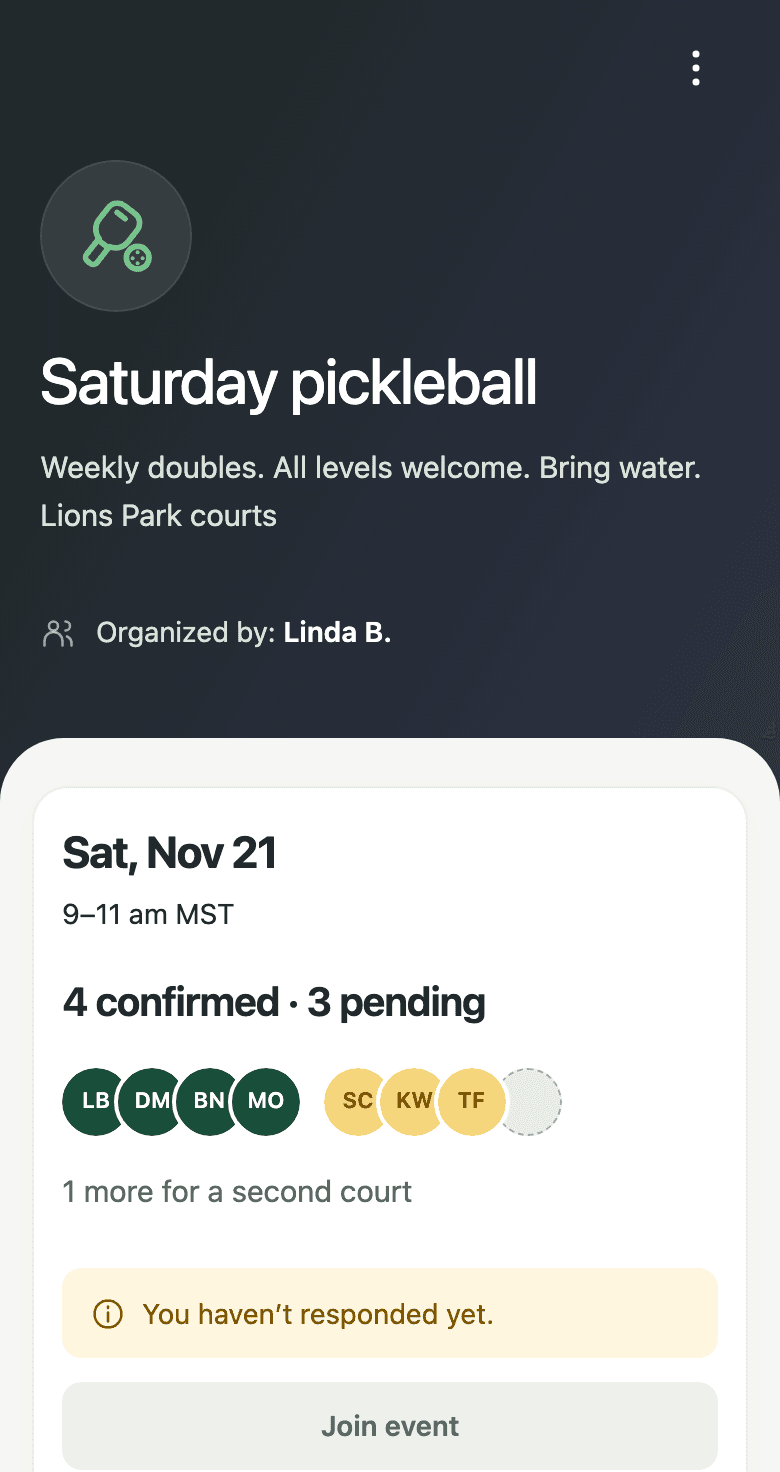
Tap the link on any phone, verify a mobile number once, and tap Join. Nobody has to download an app or remember a password.
Players can add a guest when spots are open, and get updates by text or iPhone push.
$0
One weekly game
$9/month or $99/year
For clubs and multi-day groups
No. The signup link works in any browser on iPhone, Android, or desktop. We also have an iPhone app if they want push notifications.
No. Everyone signs up on their own. When you use groups of four, spots stay pending until a fourth player completes the court.
Their spot opens immediately and the waitlist gets notified. If a late cancellation leaves a court short, another player can step in to fill it.
Yes, if you allow guests. Each guest takes a regular spot on the roster so your court count stays accurate.
Yes. Set “Min courts” and “Max courts” to match what you have available. Free supports up to 20 players (5 doubles courts), and Plus goes up to 100 players (25 doubles courts).
Yes. Set players per court to 2 instead of 4, and each court will fill and confirm in pairs across as many courts as you need.
Yes. Turn off “Require full courts” (or use a standard roster) so extra players confirm right away instead of waiting for a full group of four.
No. Grouping by four just tracks how many full courts you have in signup order. Once everyone arrives, you can mix partners and rotate games however you like.
No, you still reserve courts with your park or club. With Plus, players can log who booked each court and which four are on it.
No. Rostr handles signups, court counts, and dropouts, rather than brackets or skill matching.
Create your game, drop the link in the chat, and let the courts fill.